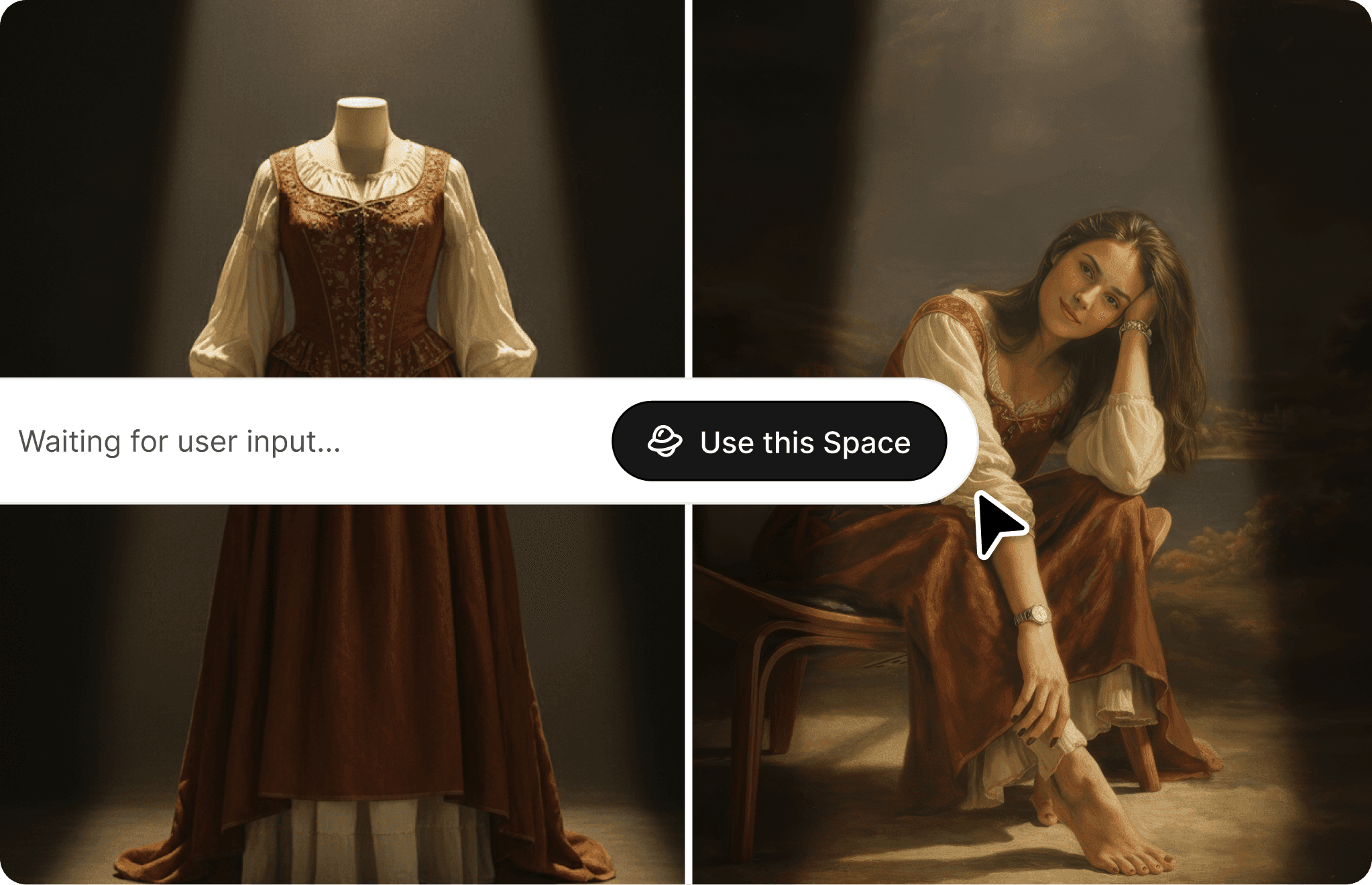
Pick a space
Browse by category or search. "I need lifestyle photos for sneakers" -> Fashion Lifestyle

 SPACES
Each Space is a purpose-built workflow designed for a specific commerce outcome. Not a generic prompt box. Not a template. A structured tool that knows what good output looks like for that specific job.
Browse by category or search. "I need lifestyle photos for sneakers" -> Fashion Lifestyle
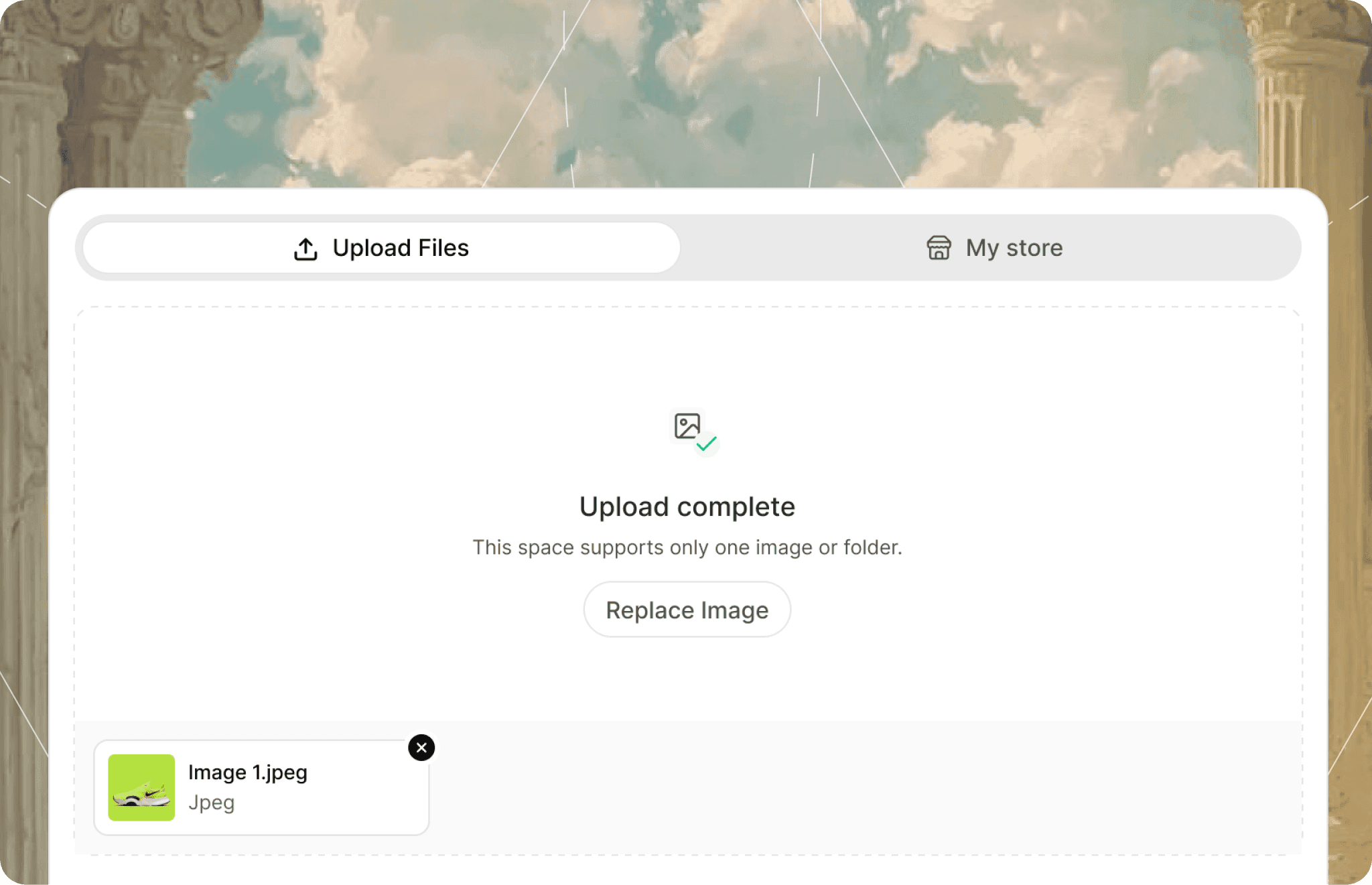
Upload an image, paste a product URL, or select from your synced store.
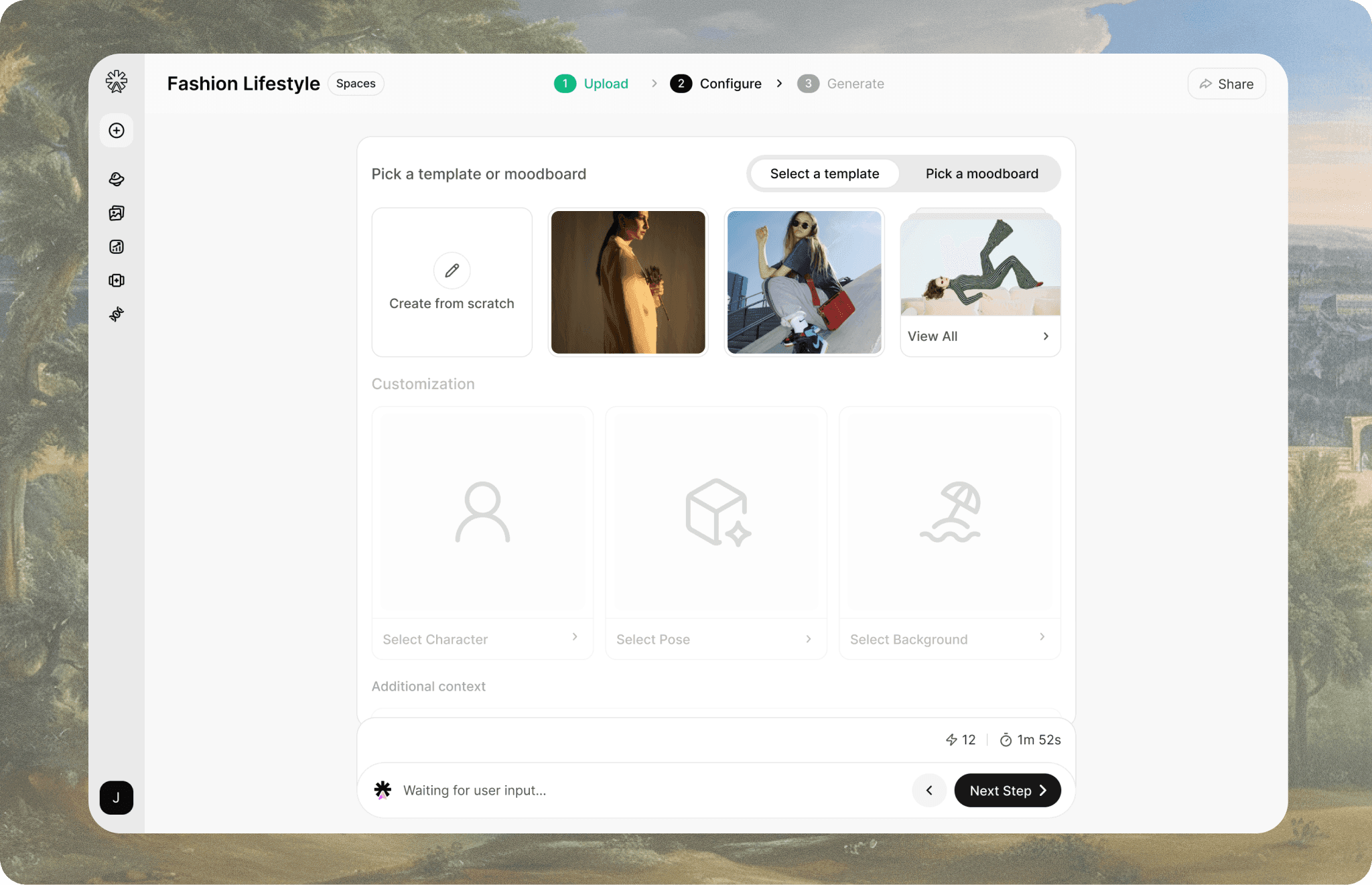
Describe the scene, pick a model type, choose a background. Or let Brand Memory handle defaults.
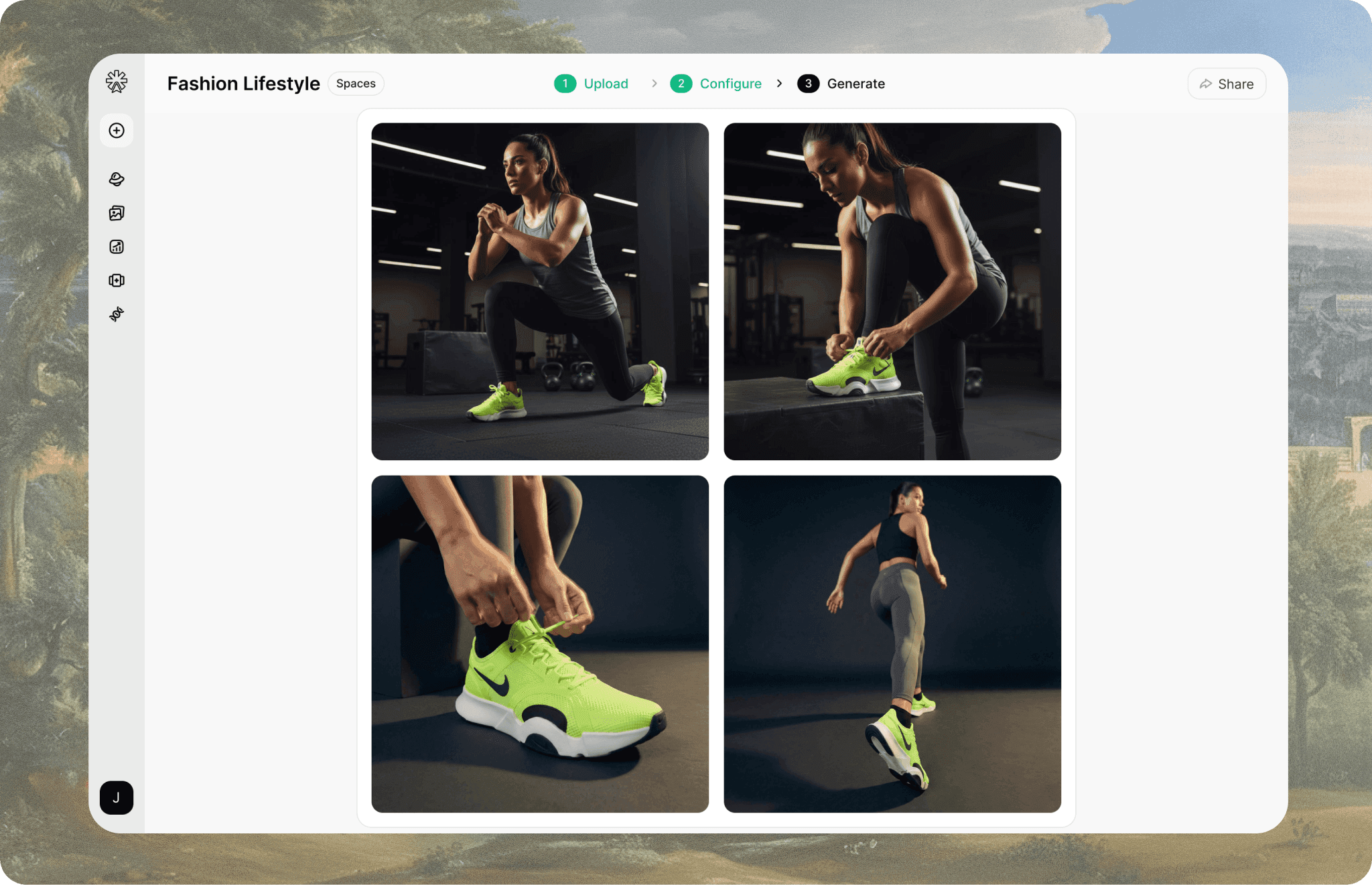
4 variants in under 60 seconds. Refine, download, or push to channels.
No Credit Card Required